Wordpress
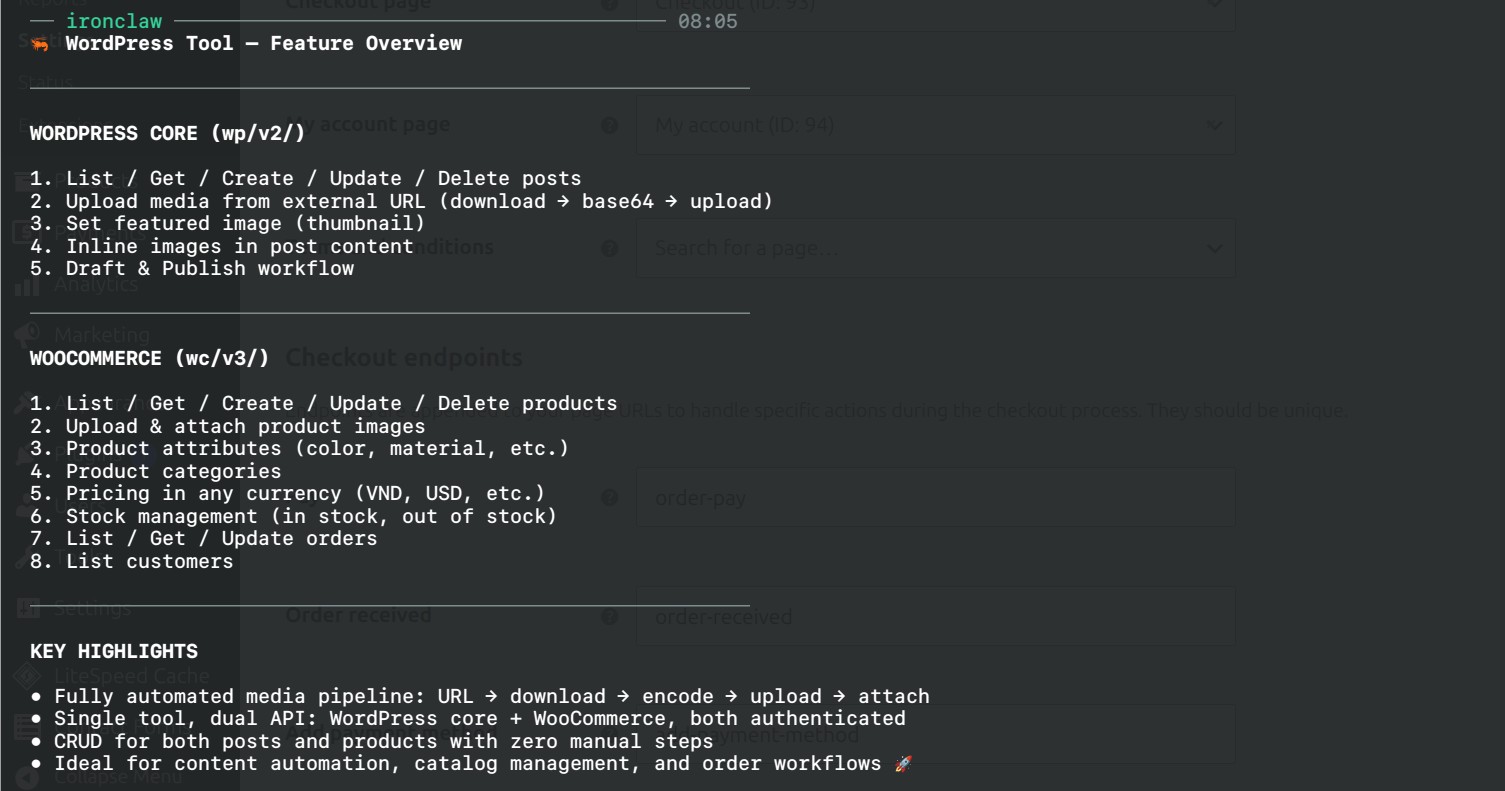
Typed WordPress and WooCommerce operations for one host-pinned site. Manage WordPress posts and media plus WooCommerce products, orders, and customers. Credentials are injected by IronClaw and never enter model or WASM input.
Use Cases
- Draft, schedule, list, and update WordPress posts
- Upload and manage WordPress media attachments
- Create, inspect, update, and delete WooCommerce products
- Inspect customers and list or update WooCommerce orders
Description
WordPress + WooCommerce Tool
Install and configure
Install the tool from IronHub. For a manual package import, open Extensions → Registry → Import, select the tool archive, and click Install.
This is a host-pinned template. Replace wordpress.example.com in manifest.toml,
rebuild the ZIP, then configure the WordPress Basic authorization value and/or
WooCommerce consumer key and secret in IronClaw.
Each operation is exposed as a named capability with its own input schema. Use only the parameters shown for that capability in the examples below.
Credentials are stored by IronClaw and injected only at the declared HTTP boundary; they are not included in model input or exposed to the WASM component.
Operate one self-hosted WordPress site and its WooCommerce store through typed, host-pinned REST capabilities for posts, media, products, orders, and customers.
Important: one package per site
Before packaging, replace every wordpress.example.com in manifest.toml with
the exact HTTPS hostname of the target site. A package is intentionally pinned
to one literal host. Every call also takes site_url, which must match that
host.
Wildcard domains, arbitrary REST prefixes, and the raw wp_request
passthrough are not exposed. This preserves reviewable method, route, credential,
and approval boundaries.
Credential values
WordPress and WooCommerce use separate product-auth accounts:
| Credential provider | Value to enter | Used by |
|---|---|---|
wordpress-basic-authorization | Base64 of username:application-password, without Basic | WordPress posts/media |
woocommerce-consumer-key | WooCommerce key beginning ck_ | Products/orders/customers |
woocommerce-consumer-secret | WooCommerce secret beginning cs_ | Products/orders/customers |
Create a WordPress Application Password under Users → Profile → Application Passwords. Create WooCommerce REST credentials under WooCommerce → Settings → Advanced → REST API. Use a staging site for initial write tests.
Capabilities
| Area | Capabilities |
|---|---|
| Posts | wordpress.list_posts, get_post, create_post, update_post, delete_post |
| Media | wordpress.list_media, get_media, upload_media, update_media, delete_media |
| Products | wordpress.list_products, get_product, create_product, update_product, delete_product |
| Orders | wordpress.list_orders, get_order, update_order |
| Customers | wordpress.list_customers |
Create/update/delete operations require approval. Deletes trash by default
unless their schema explicitly accepts force: true.
Example: list posts
// Capability: wordpress.list_posts
{ "site_url": "mystore.example", "status": "draft", "per_page": 10 }
Example: create a draft
// Capability: wordpress.create_post
{
  "site_url": "mystore.example",
  "data": { "title": "Quarterly update", "content": "...", "status": "draft" }
}
Example: list WooCommerce orders
// Capability: wordpress.list_orders
{ "site_url": "mystore.example", "status": "processing", "per_page": 20 }
Prerequisites
- HTTPS with a publicly reachable REST API.
- Pretty permalinks (
/wp-json/works). - Application Password support for WordPress operations.
- WooCommerce REST API enabled for store operations.
Access & Credentials
Basic authentication + Query parameter
Basic authentication
wordpress_basic_authorizationQuery parameter
woo_consumer_keyQuery parameter
woo_consumer_secretNetwork & Permissions
Implementation
Resources
Review implementation and setup instructions before installing.