Jina
Read web pages and PDFs as compact content, capture webpage screenshots, and search the web, arXiv, SSRN, or images through Jina AI. The host injects one Jina API key only for the Reader and Search API hosts.
Use Cases
- Scrape and extract clean markdown from any URL or PDF file for LLMs.
- Capture first-screen or full-page screenshots of webpages.
- Query general web search engines for up-to-date online information.
- Find academic papers and preprints on arXiv or SSRN.
- Search for images online and get titles, URLs, and dimensions.
Description
Jina Reader Tool
Install and configure
Install the tool from IronHub. For a manual package import, open Extensions → Registry → Import, select the tool archive, and click Install.
Open Configure and store a Jina API key from https://jina.ai. IronClaw injects the same credential only for the declared reader/search hosts.
Each operation is exposed as a named capability with its own input schema. Use only the parameters shown for that capability in the examples below.
Credentials are stored by IronClaw and injected only at the declared HTTP boundary; they are not included in model input or exposed to the WASM component.
A sandboxed WASM tool for IronClaw that wraps the official Jina Reader, Screenshot, and Search APIs. It provides full parity with the core capabilities of the official Jina MCP server, allowing the agent to read webpages, take screenshots, and query general, academic, or image search engines.
Capabilities
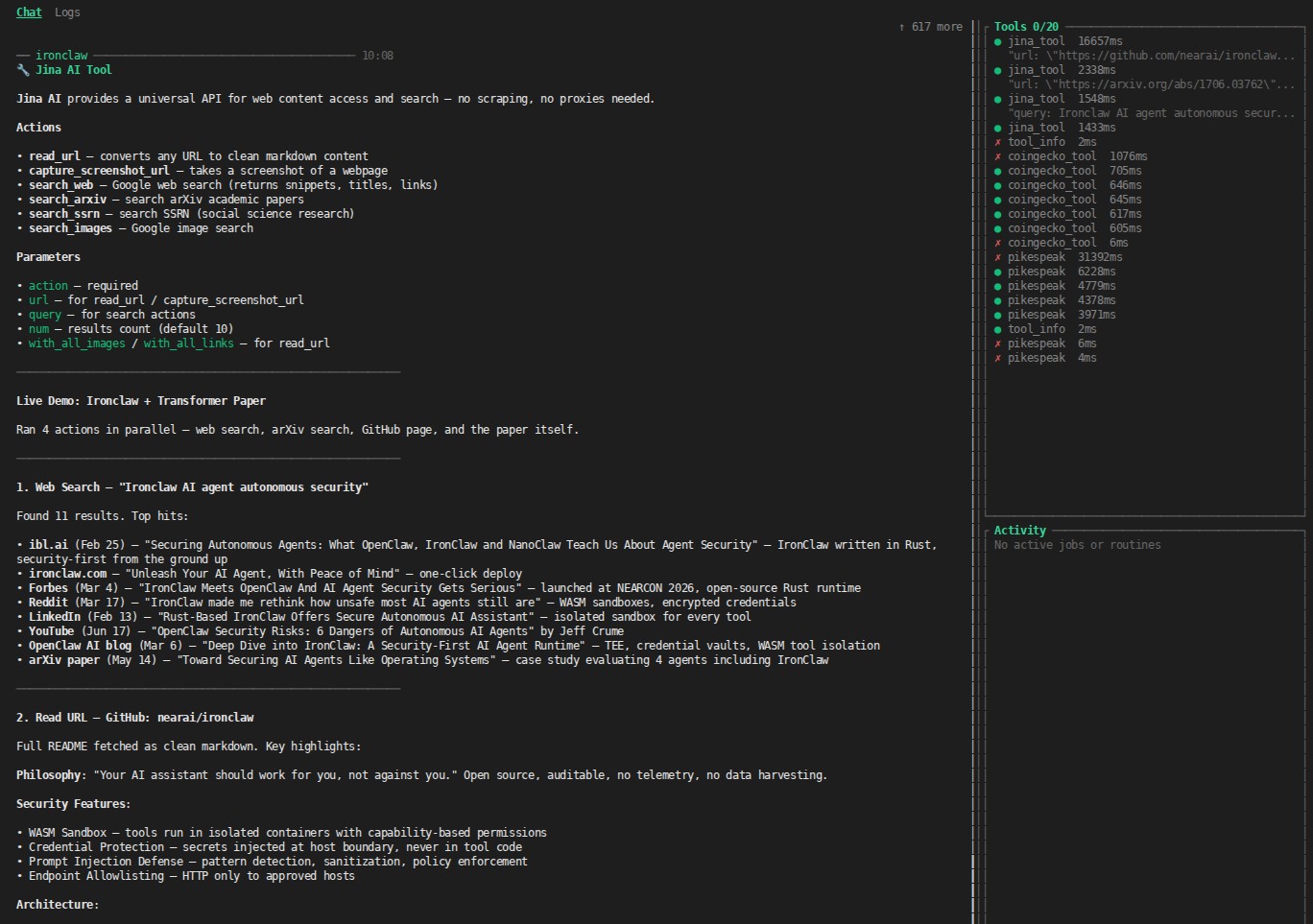
The tool supports the following actions:
1. read_url
Fetches a webpage or PDF using Jina Reader (r.jina.ai) and converts it into a clean, LLM-friendly Markdown format.
Parameters:
url(string, required): The target URL to read. Must start withhttp://orhttps://.with_all_links(boolean, optional): If set totrue, returns all hyperlinks found on the page as structured YAML.with_all_images(boolean, optional): If set totrue, returns all images found on the page as structured YAML.
2. capture_screenshot_url
Captures high-quality screenshots of webpages via the Jina Reader API.
Parameters:
url(string, required): The target URL to capture.first_screen_only(boolean, optional): Set totruefor a fast single screen capture, orfalse(default) for a full-page capture including content below the fold.
3. search_web
Performs a live web search using Jina Search (svip.jina.ai) and returns the top search results in clean YAML format.
Parameters:
query(string, required): The search query to run.num(integer, optional): The number of search results to return (default 30).
4. search_arxiv
Searches academic papers and preprints on the arXiv repository and returns titles, links, citations, and details in YAML.
Parameters:
query(string, required): The search query to run.num(integer, optional): The number of search results to return (default 30).
5. search_ssrn
Searches academic papers on SSRN (Social Science Research Network) and returns metadata in YAML.
Parameters:
query(string, required): The search query to run.num(integer, optional): The number of search results to return (default 30).
6. search_images
Performs web-based image searches and returns image titles, image URLs, parent webpage URLs, and dimensions.
Parameters:
query(string, required): The search query to run.num(integer, optional): The number of search results to return (default 30).
Technical Details
- Sandbox Target:
wasm32-wasip2compiled using Wasmtime. - Sandbox Limits: Employs standard memory limit (10MB) and custom instruction fuel budgets.
- Serialization: Emits structured output serialized as YAML, minimizing token consumption for downstream LLM parsing.
Access & Credentials
Bearer token
Bearer token
jina_runtime_keyNetwork & Permissions
Implementation
Resources
Review implementation and setup instructions before installing.