Firecrawl
Web scraping, search, site-mapping, and crawling for Ironclaw via the Firecrawl v2 API. Extracts clean markdown/HTML from pages, finds pages by query across web/news/images, lists every URL on a site, and runs recursive crawls. The host injects the API key as a Bearer token — the tool never sees the raw secret.
Use Cases
- Scrape a web page into clean LLM-ready markdown
- Search the web/news for pages matching a query
- Map every URL on a site, or crawl a docs section recursively
Description
Firecrawl Tool
Install and configure
Install the tool from IronHub. For a manual package import, open Extensions → Registry → Import, select the tool archive, and click Install.
Open Configure and store a Firecrawl API key from https://firecrawl.dev. IronClaw
injects it as a Bearer token only for api.firecrawl.dev.
Each operation is exposed as a named capability with its own input schema. Use only the parameters shown for that capability in the examples below.
Credentials are stored by IronClaw and injected only at the declared HTTP boundary; they are not included in model input or exposed to the WASM component.
A sandboxed WASM tool that gives an IronClaw agent web scraping, search, site-mapping, and crawling via the Firecrawl v2 API.
The host injects the API key as a Bearer token — the tool code never sees the
raw secret — and network access is restricted to api.firecrawl.dev as declared in manifest.toml; the Rust adapter retains route and method validation.
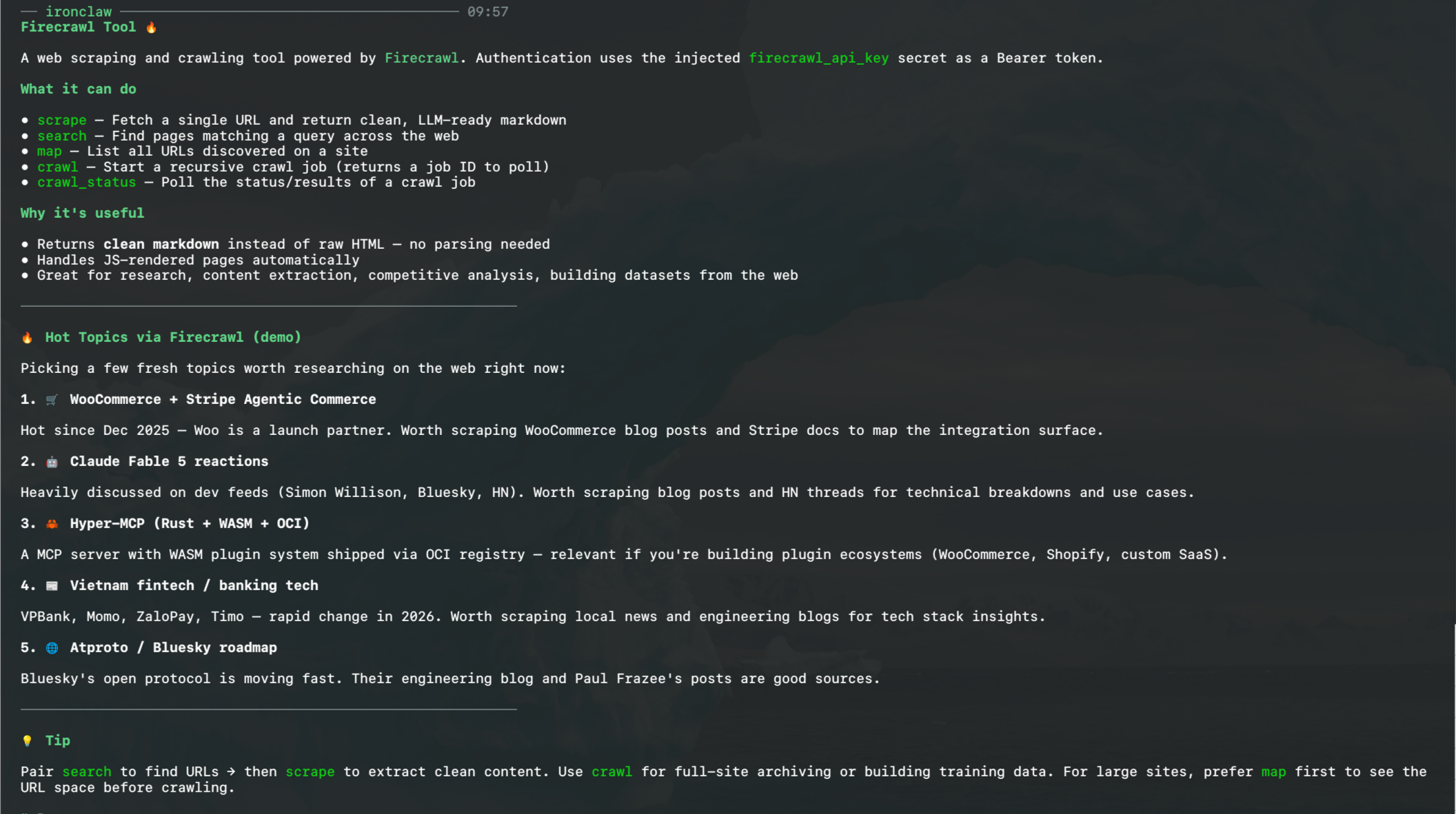
Capabilities
| Capability | Required | Optional | Description |
|---|---|---|---|
scrape | url | formats, only_main_content, wait_for, timeout | Extract clean markdown/HTML from one page. |
search | query | limit, sources | Find pages by query. sources ⊆ web/news/images. |
map | url | search, limit, include_subdomains | List every URL on a site, fast. |
crawl | url | limit, max_depth | Start a recursive crawl (async). Returns a crawl_id. |
crawl_status | id | — | Poll a crawl job for progress and scraped pages. |
Numeric inputs are clamped: search limit 1–100 (default 10), scrape timeout
1000–300000 ms, wait_for ≤ 60000 ms. crawl_status echoes at most 25 pages
(with pages_truncated: true when there are more).
Examples
// Scrape one page to markdown
// Capability: firecrawl.scrape
{ "url": "https://docs.firecrawl.dev/ai-onboarding" }

// Scrape with options
// Capability: firecrawl.scrape
{ "url": "https://example.com", "formats": ["markdown", "html"], "only_main_content": true, "wait_for": 2000 }

// Search the web
// Capability: firecrawl.search
{ "query": "best rust web frameworks 2026", "limit": 5, "sources": ["web", "news"] }

// Map a site, ordered by relevance to "blog"
// Capability: firecrawl.map
{ "url": "https://example.com", "search": "blog", "limit": 100 }

// Crawl a docs section, then poll
// Capability: firecrawl.crawl
{ "url": "https://docs.firecrawl.dev", "limit": 50 }
// Capability: firecrawl.crawl_status
{ "id": "<crawl_id from the crawl call>" }
API mapping
| Capability | Firecrawl endpoint |
|---|---|
scrape | POST /v2/scrape |
search | POST /v2/search |
map | POST /v2/map |
crawl | POST /v2/crawl |
crawl_status | GET /v2/crawl/{id} |
Access & Credentials
Bearer token
Bearer token
firecrawl_api_keyNetwork & Permissions
Implementation
Resources
Review implementation and setup instructions before installing.